Choose what to share
Pick a format for where the card is going, then export the image.
Exerzio for iPhone
Exerzio reads the Apple Health data you allow. Check your steps and sleep, review workouts, ask about recent activity and see your recorded routes on one map.
iPhoneApple HealthOn-device insightsNo account
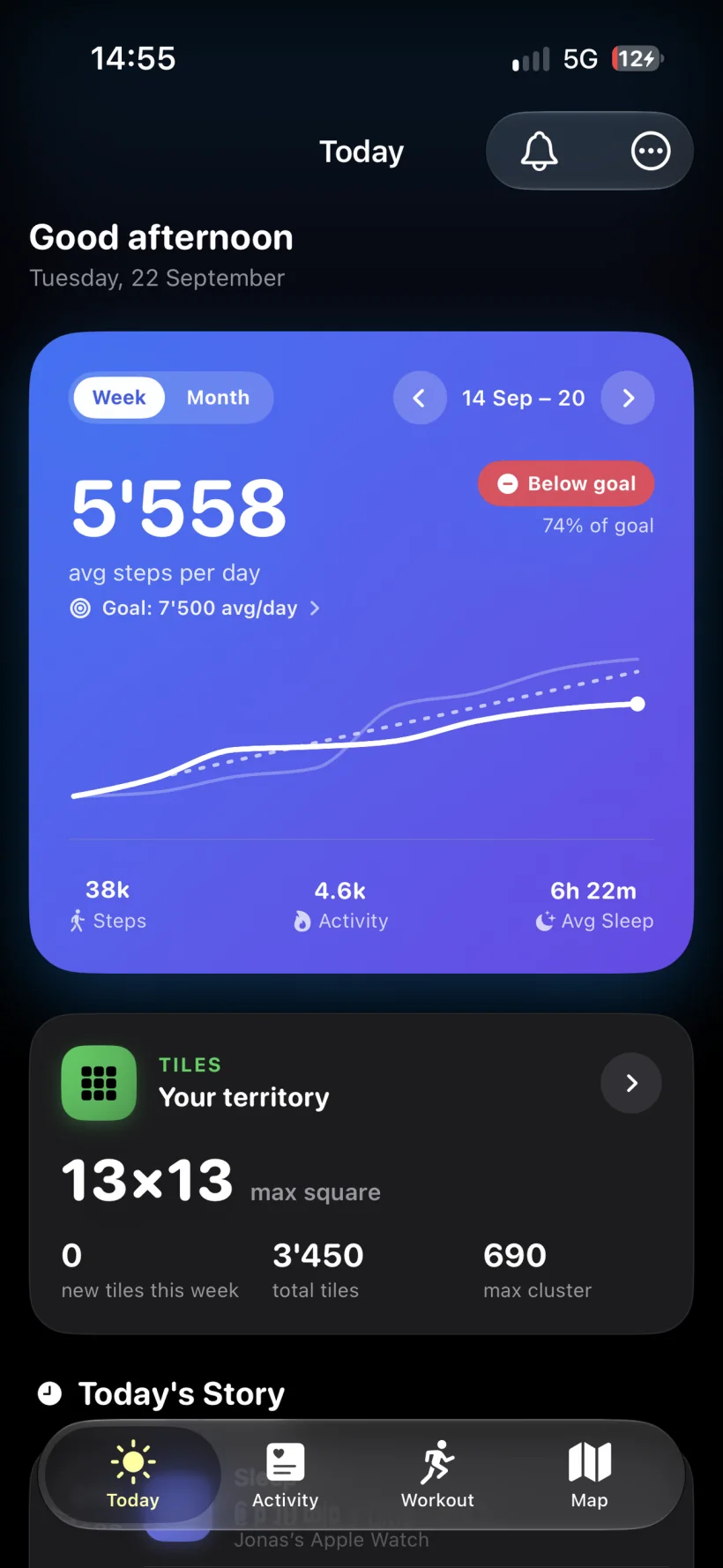
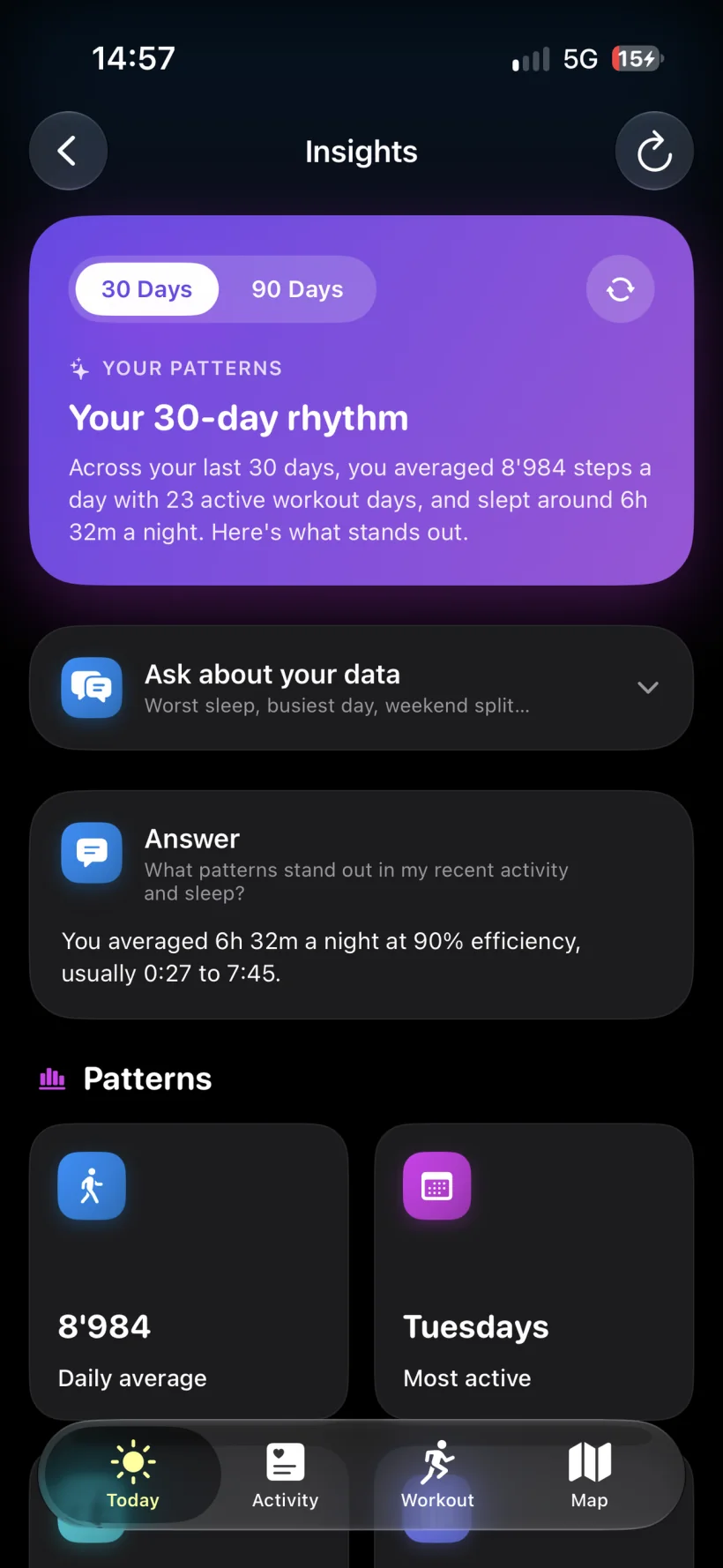
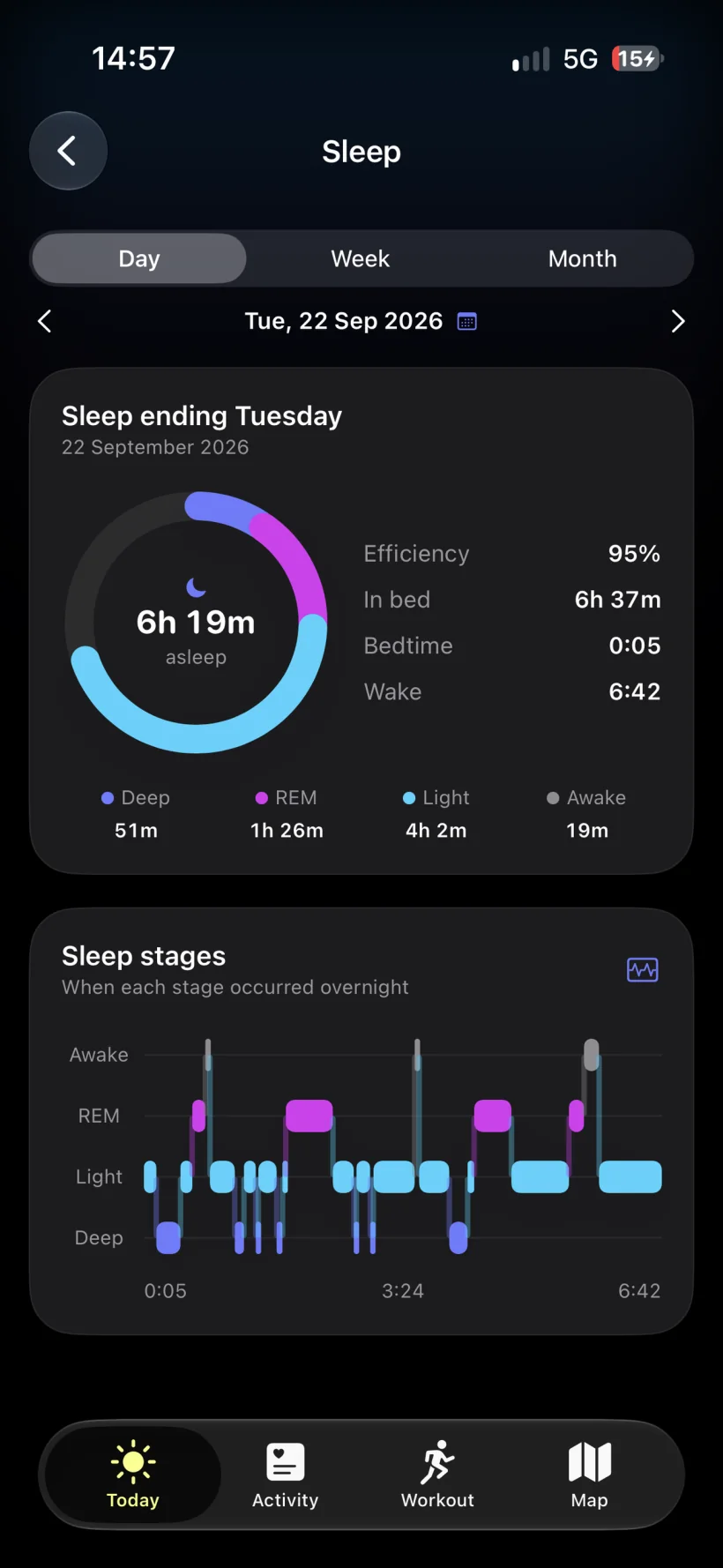
Today & Insights
Today puts workouts and logged health events on a timeline. Insights compares steps, sleep and training over 30 or 90 days.
Steps, energy, distance and workouts appear alongside a timeline of health events.
Check how long you slept and when you were in deep, REM and light sleep. Switch between day, week and month views.
Compare steps, sleep and workout days. Ask when you slept worst or which day was busiest.
Insights stay on your iPhone. On eligible iPhones running iOS 26 or later with Apple Intelligence enabled, Apple’s on-device model writes AI summaries. When the model is unavailable, Exerzio still shows calculated insights. No health data is sent to an AI service.
The map
Exerzio draws routes from workouts saved in Apple Health. It pre-renders route tiles on your iPhone, so the map stays quick when you have years of workouts. For a training plan, explore Exerzio Run.
Every recorded route on one map. Move across years of workouts without opening them one by one.
Pass through a square during a workout and it is yours. See new ground, your max square and your max cluster.
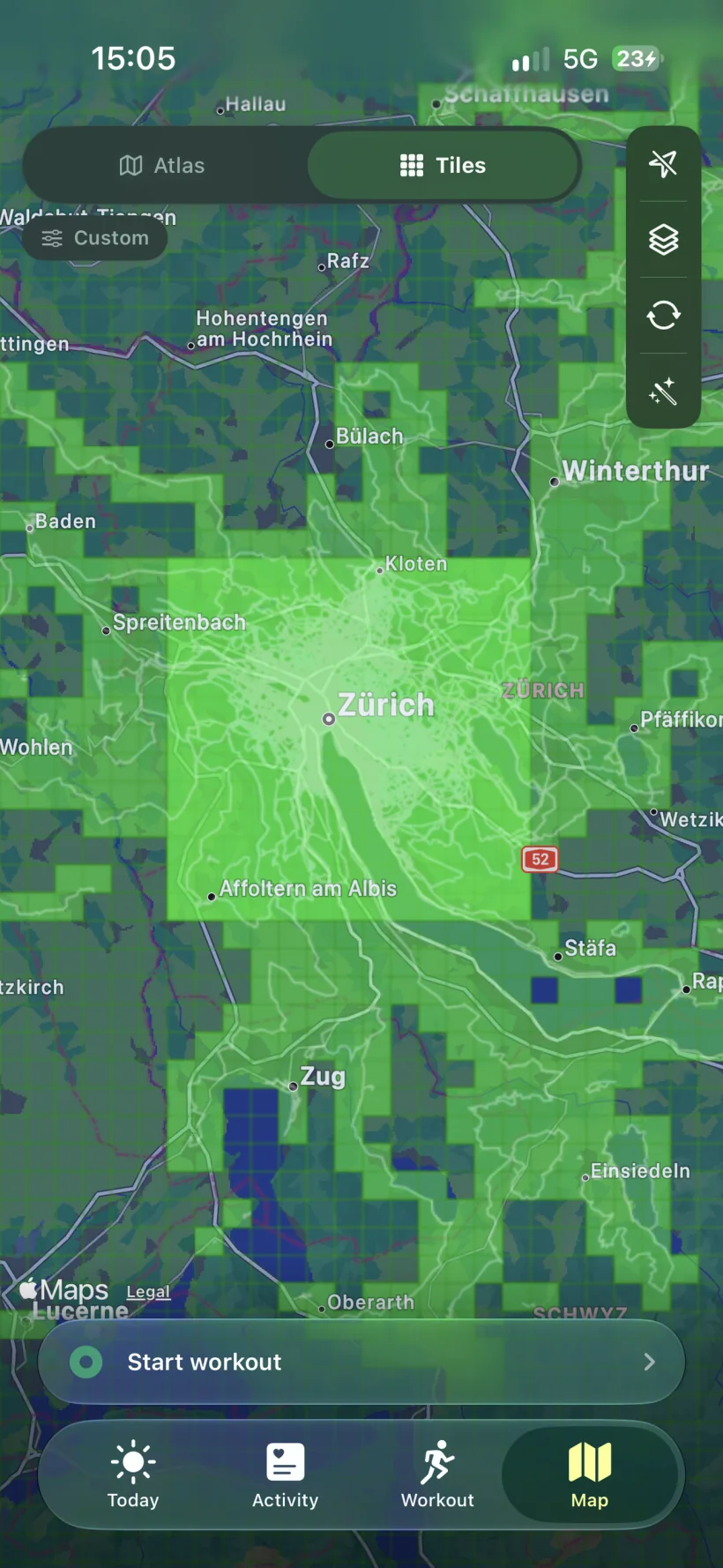
Tiles around Zürich in the app.
Inside Exerzio
Steps, energy, distance and workouts.
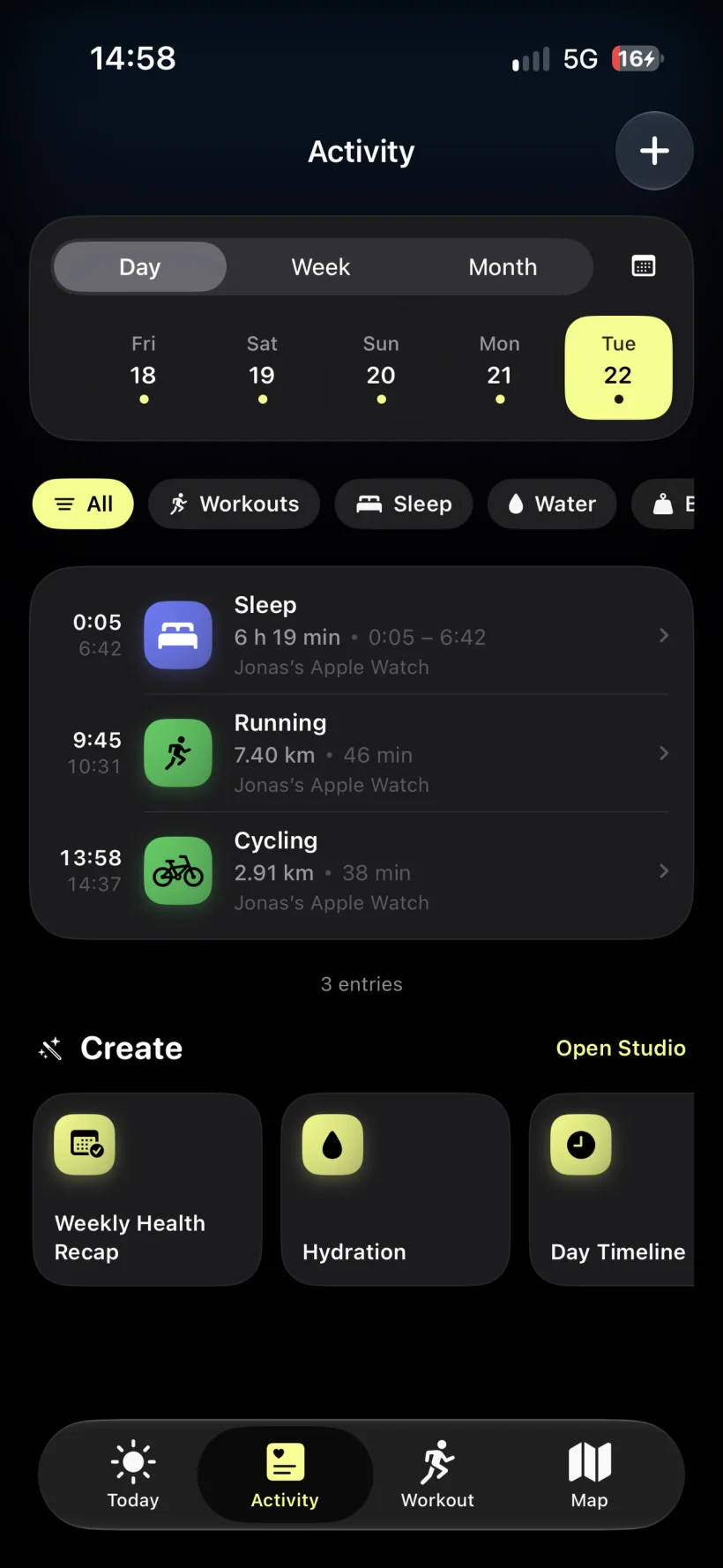
Sleep, body measurements, hydration and mindfulness.
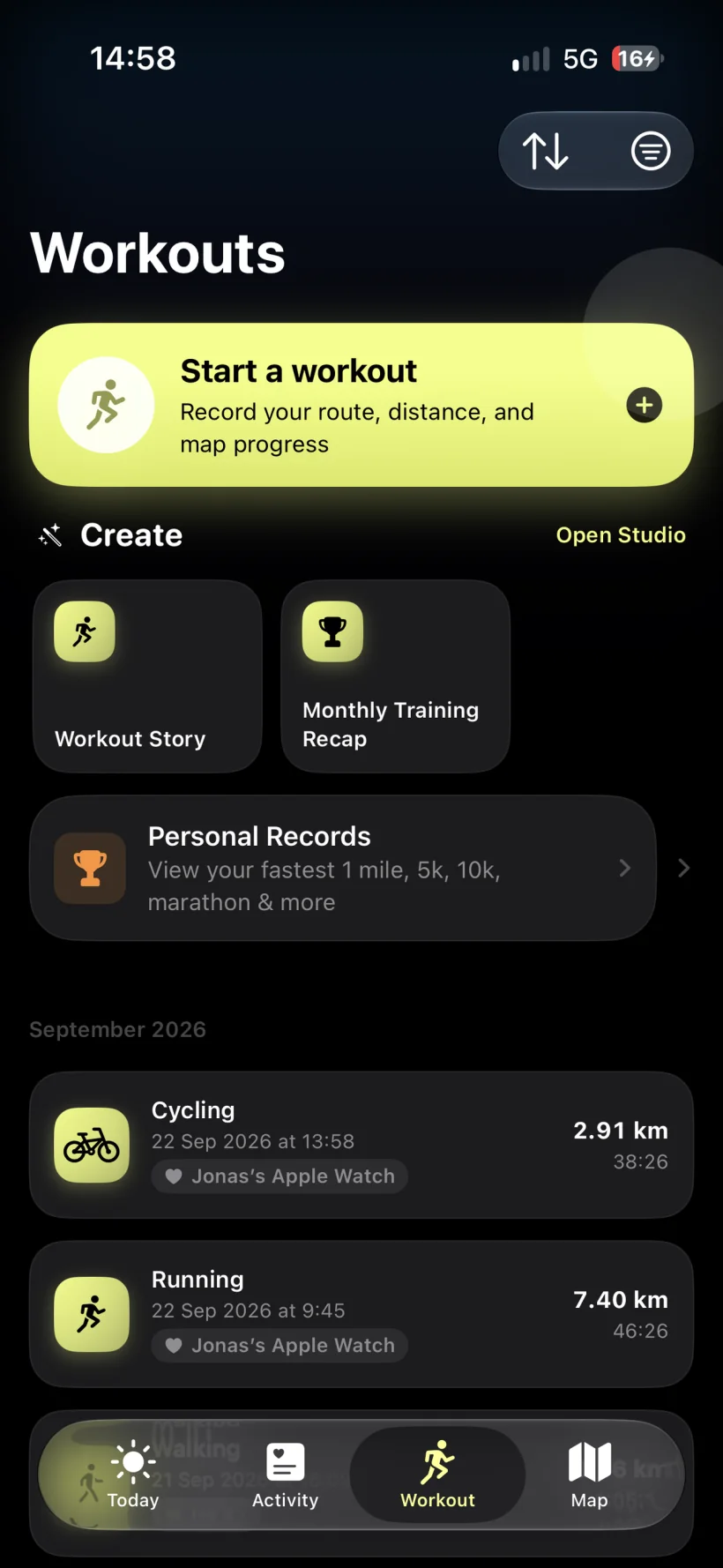
History, personal records and a place to start recording.
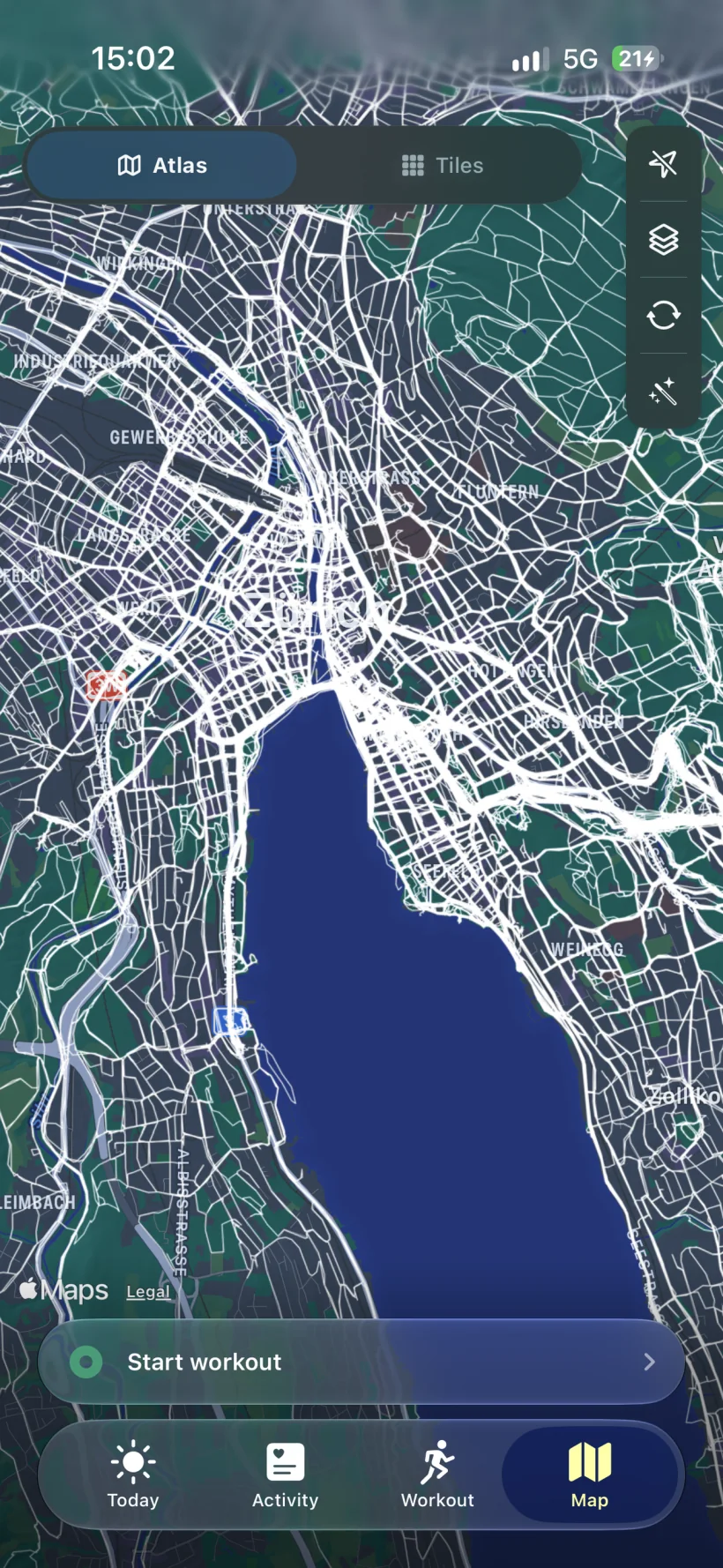
Atlas, Tiles and a starting point for your next workout.
Choose an activity on the Map tab. Exerzio draws your route as you move, then saves the workout to Apple Health. If recording is interrupted, you can finish the saved session later.
Pick the workout type and start recording. The route is drawn as you go.
When you finish, Exerzio saves the workout and route to Apple Health.
Exerzio keeps the recording if it stops early, so you can finish it later.
If two devices wrote the same workout to Apple Health, Exerzio leaves the duplicate out of totals, charts and share cards. Nothing is deleted from Apple Health.
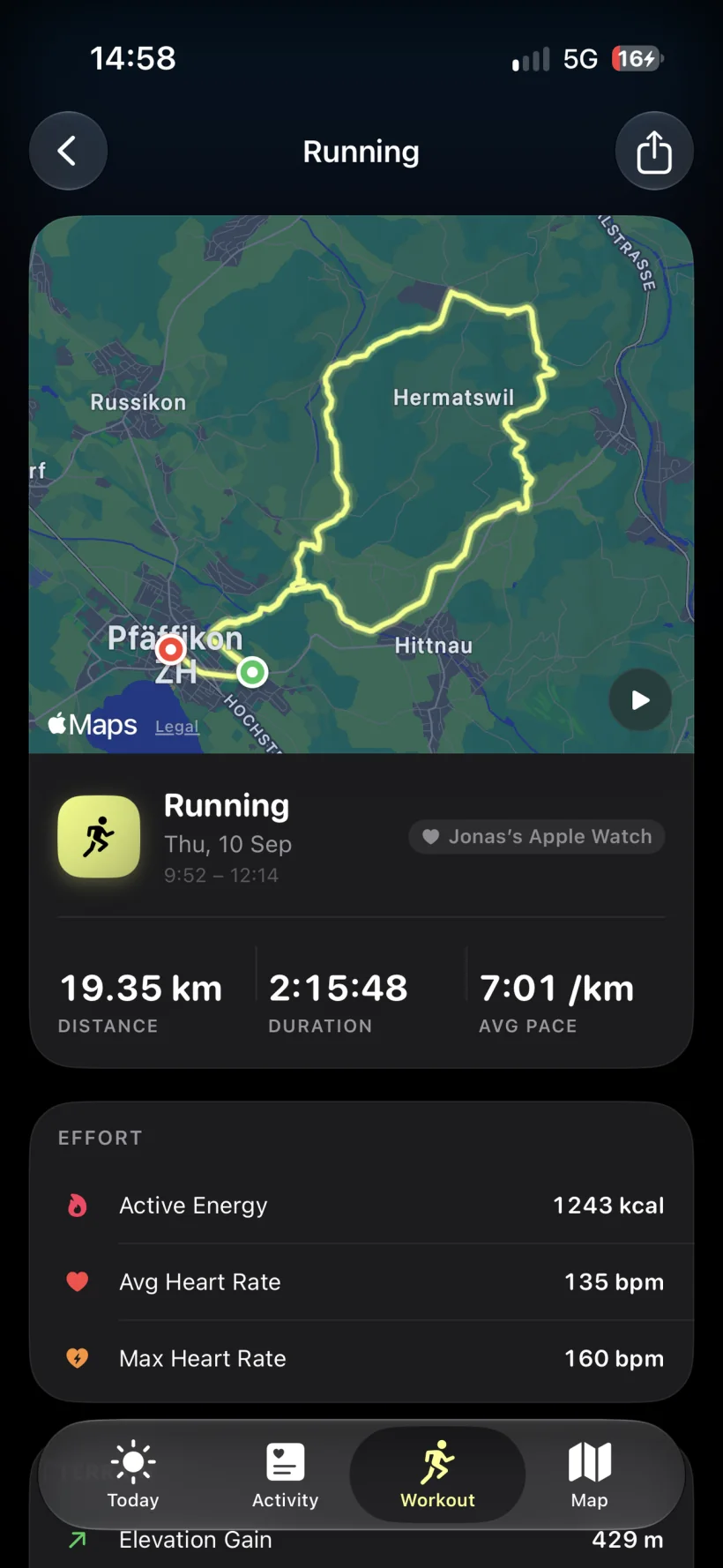
Route and pace from a recorded run.
Create Studio
Create Studio makes cards for a day, week, month, workout route or claimed tiles.
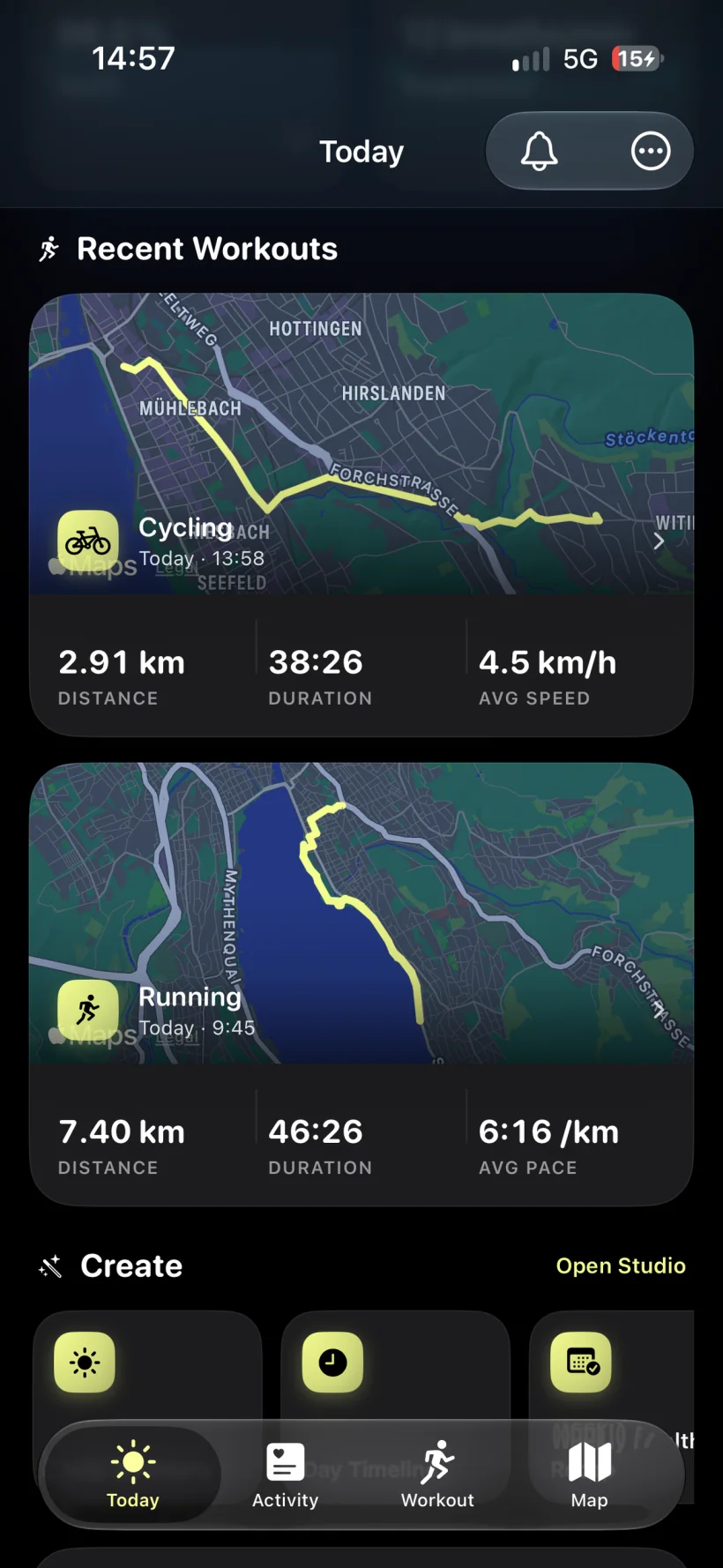
Open Create Studio from Today.
Pick a format for where the card is going, then export the image.
The workout share editor lets you move and zoom the map until the route sits the way you want it.
Widgets for today’s progress, weekly trends, training, recent sleep and the atlas engine. Siri shortcuts answer with distances and compass directions.
Optional connection
If you run Dreeve, choose which workouts Exerzio sends from your iPhone to your server. Exerzio works without Dreeve and is not affiliated with its developers.
Dreeve on GitHub ↗Privacy
Use Exerzio without an account. The app has no analytics or advertising SDK. Exerzio does not receive your Health or route data; if you choose Dreeve sync, selected workouts go straight from your iPhone to your server.
Exerzio for iPhone